Core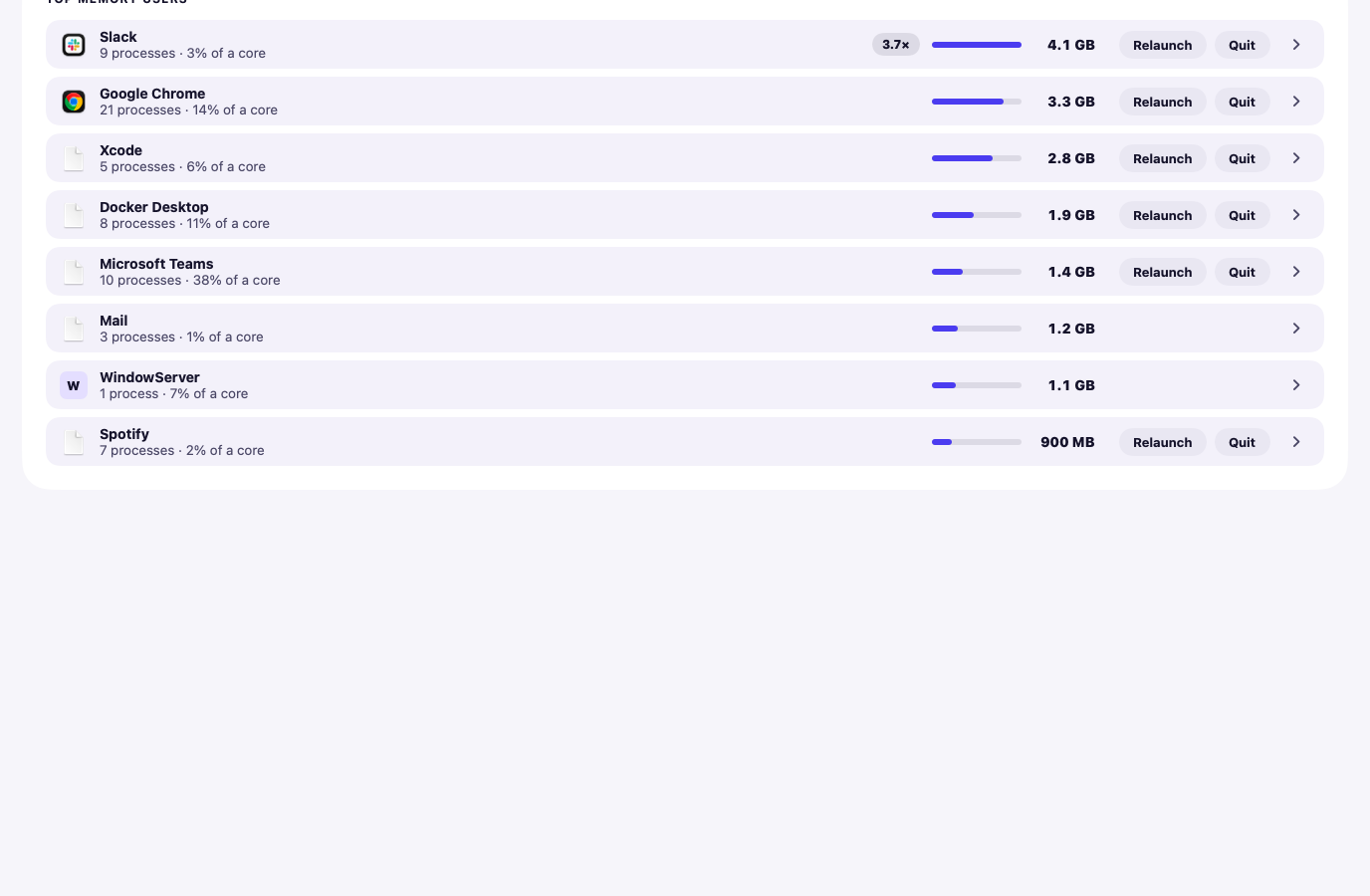
Rendered from the app with sample data, not a real Mac.
Diagnosis
Free
Hedroom reads memory pressure, swap, CPU, thermals, battery and storage, then names the one app that matters.
What it does
- Judges memory by memory pressure and how fast swap is growing, not by "used RAM".
- Learns how big each app usually is on your Mac, then flags one that has grown to several times that and stays there.
- Explains macOS's own processes, such as kernel_task and WindowServer, in plain words.
- Shows a summary in the menu bar and alerts you to leaks, runaway CPU and critical pressure.
What it never does
- Show a count of "problems", a scare scan or a percentage it did not measure.
- Do anything to your Mac just by looking at it.
Free or Pro
Free forever.
Honest limits
- A leak is flagged only after an app stays unusually large for a while (about 20 minutes by default), so a short spike is not a finding.
- When memory is healthy it says so and stays quiet. That is the normal state, not a gap.