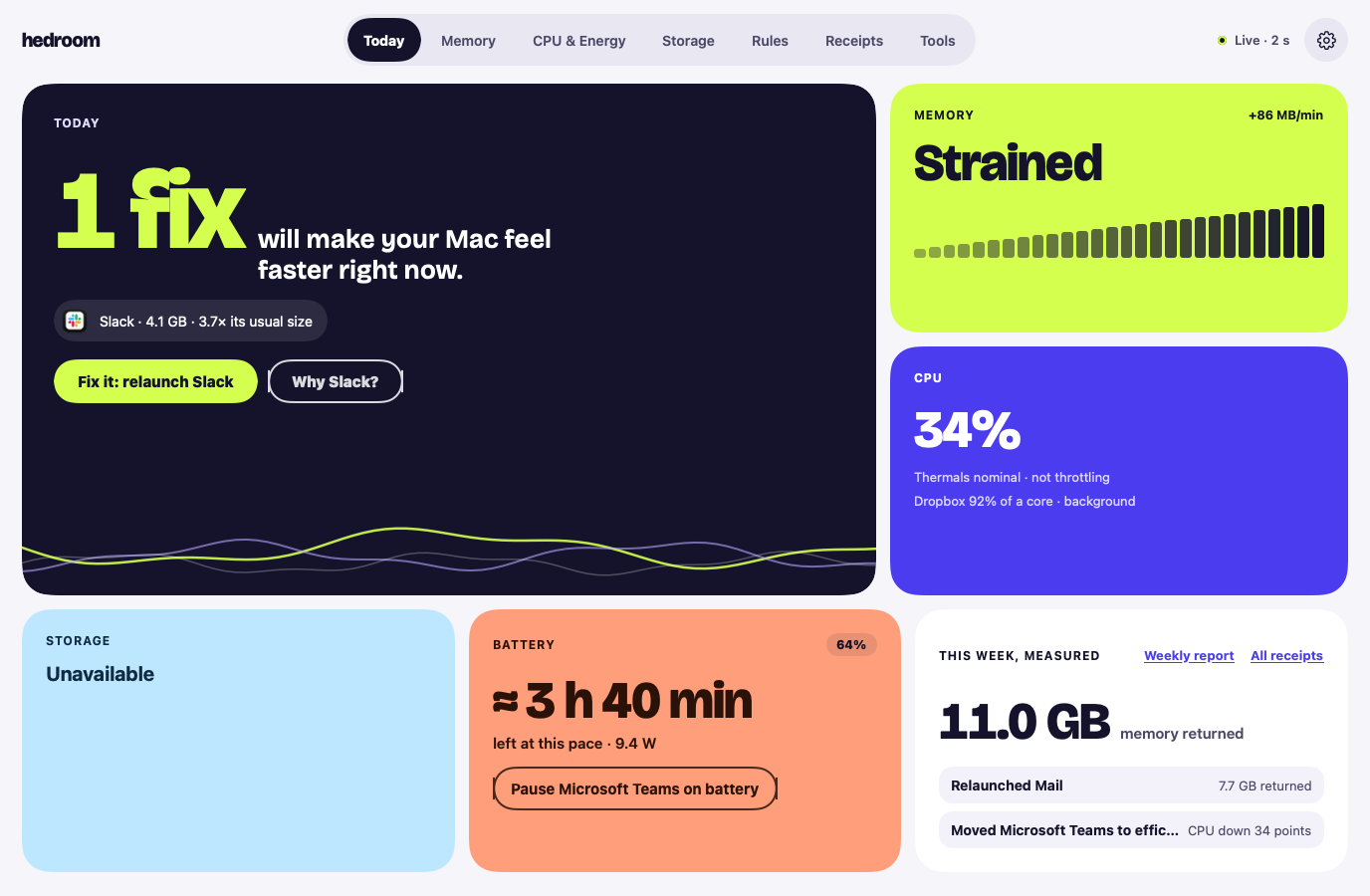
Relaunch an app, move it to the efficiency cores, or pause it. One step at a time, each explained first.
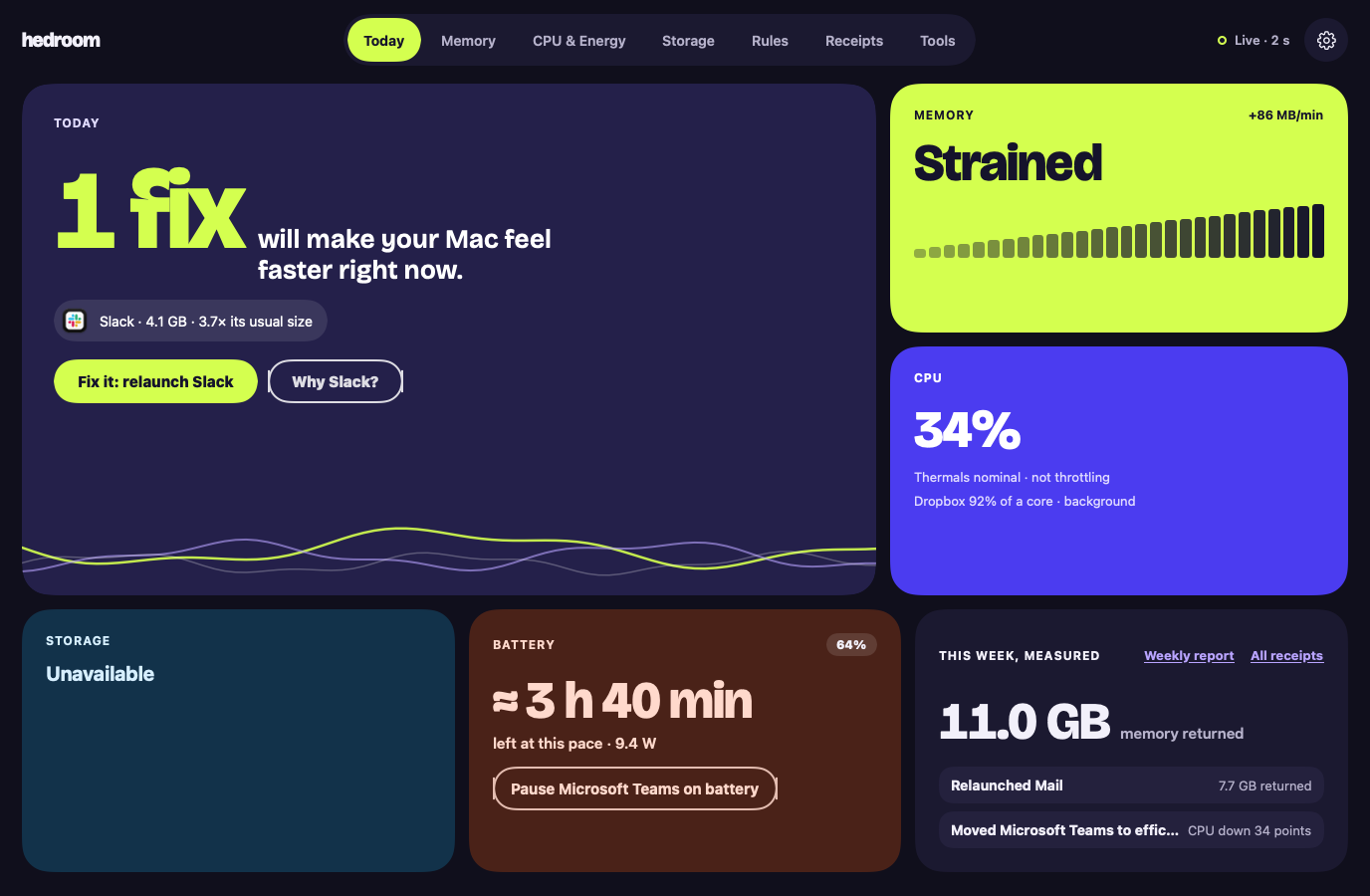
Rendered from the app with sample data, not a real Mac.
What it does
Relaunch: asks the app to quit, as ⌘Q does, then opens it again.
Efficiency cores: lowers an app's priority so it stops competing with what you are doing.
Pause: freezes an app until you switch back to it, or for 60 minutes at most.
What it never does
Pause, demote or quit anything signed by Apple. The exception is an Apple app you use yourself, such as Xcode, which you can relaunch or quit with a click.
Touch the app in front of you, an app on a call, an app playing audio or using the microphone or camera, or a backup app while a backup runs.
Touch an app on your never-touch list.
Quit anything silently. Force quit needs a second, separate confirmation.
Free or Pro
Part of Pro. Everything is included in the 7-day free trial. Without Pro, a click on a fix opens a "Fixes are part of Pro" sheet instead.
Hedroom cannot reliably tell whether an app has unsaved work, so it only pauses apps known to handle it, unless you pick the app yourself.
If Hedroom cannot check whether an app is on a call or backing up, a click asks you first and a rule does nothing.
If Hedroom quits, paused apps resume straight away. If it crashes, a small guard process resumes them when it notices Hedroom is gone, and in any case within 60 minutes.
Monitoring is free, with no card and no account. Pro, with a 7-day free trial, opens with the first signed build. If it cannot show you a measurable difference, do not keep it.