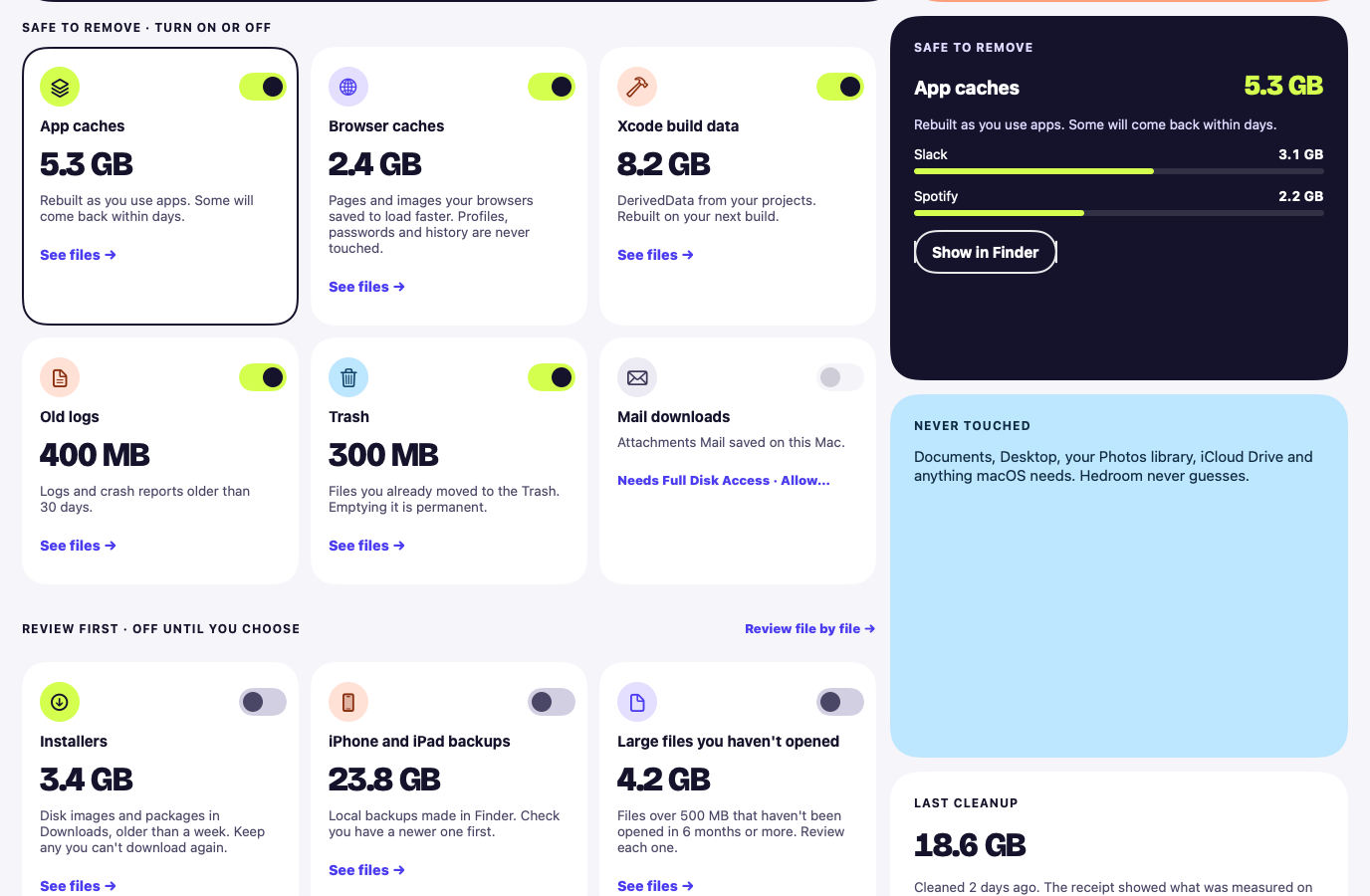
Finds caches and leftovers you can remove safely, shows what each is, and sends what you choose to the Trash.
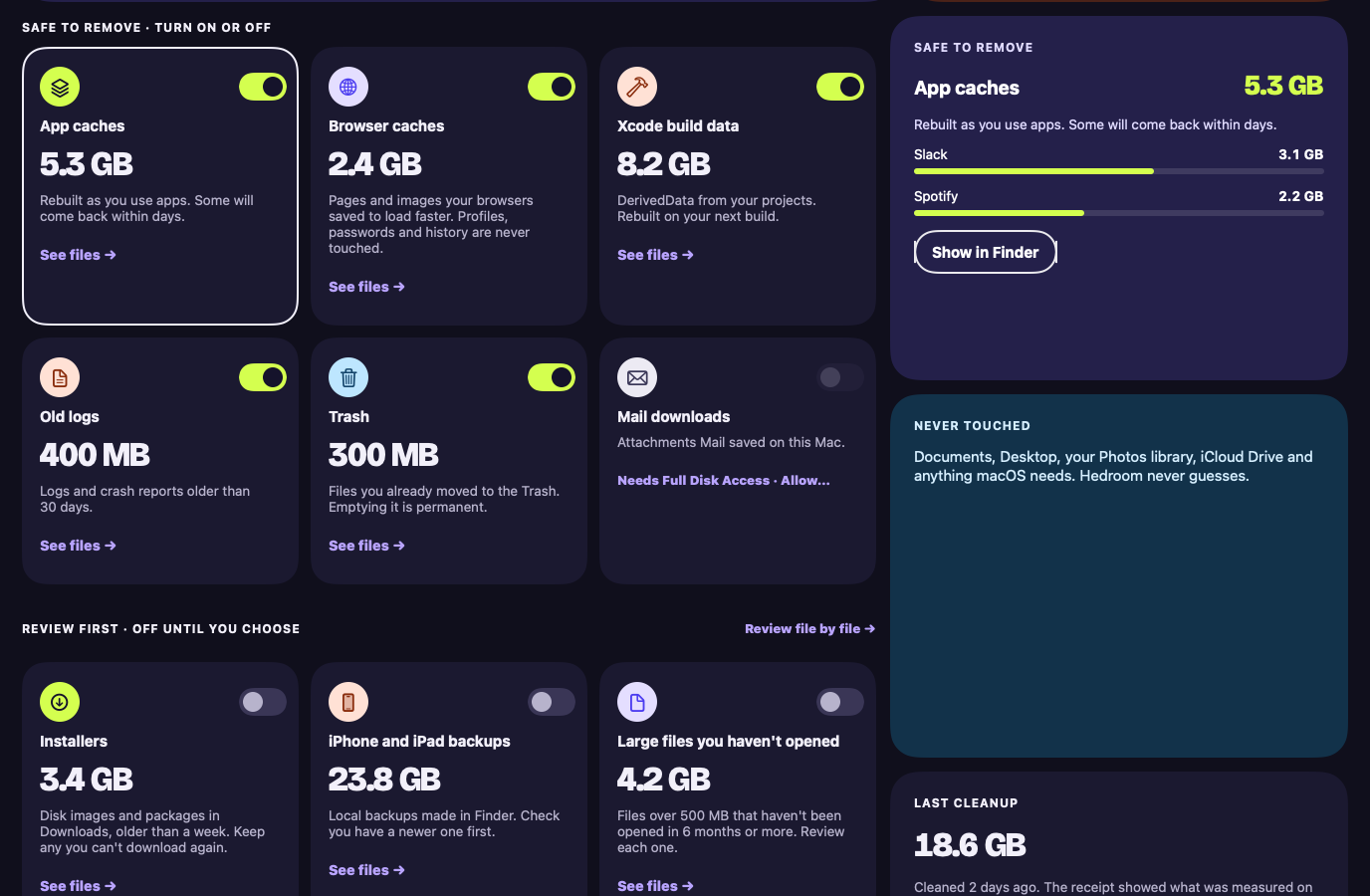
Rendered from the app with sample data, not a real Mac.
What it does
Scans for caches, build leftovers and similar files, with a plain explanation of each category.
Shows your own files for review first, with a checkbox and Quick Look, and leaves them unticked.
Skips files that are open in an app, and keeps a Put back list.
What it never does
Delete your files without your explicit permission each time. Cleanup moves files to the Trash. Removing them for good needs a separate confirmation every time, and rules or other automatic actions can never delete files.
Monitoring is free, with no card and no account. Pro, with a 7-day free trial, opens with the first signed build. If it cannot show you a measurable difference, do not keep it.